Inline-Diff Permission Cards
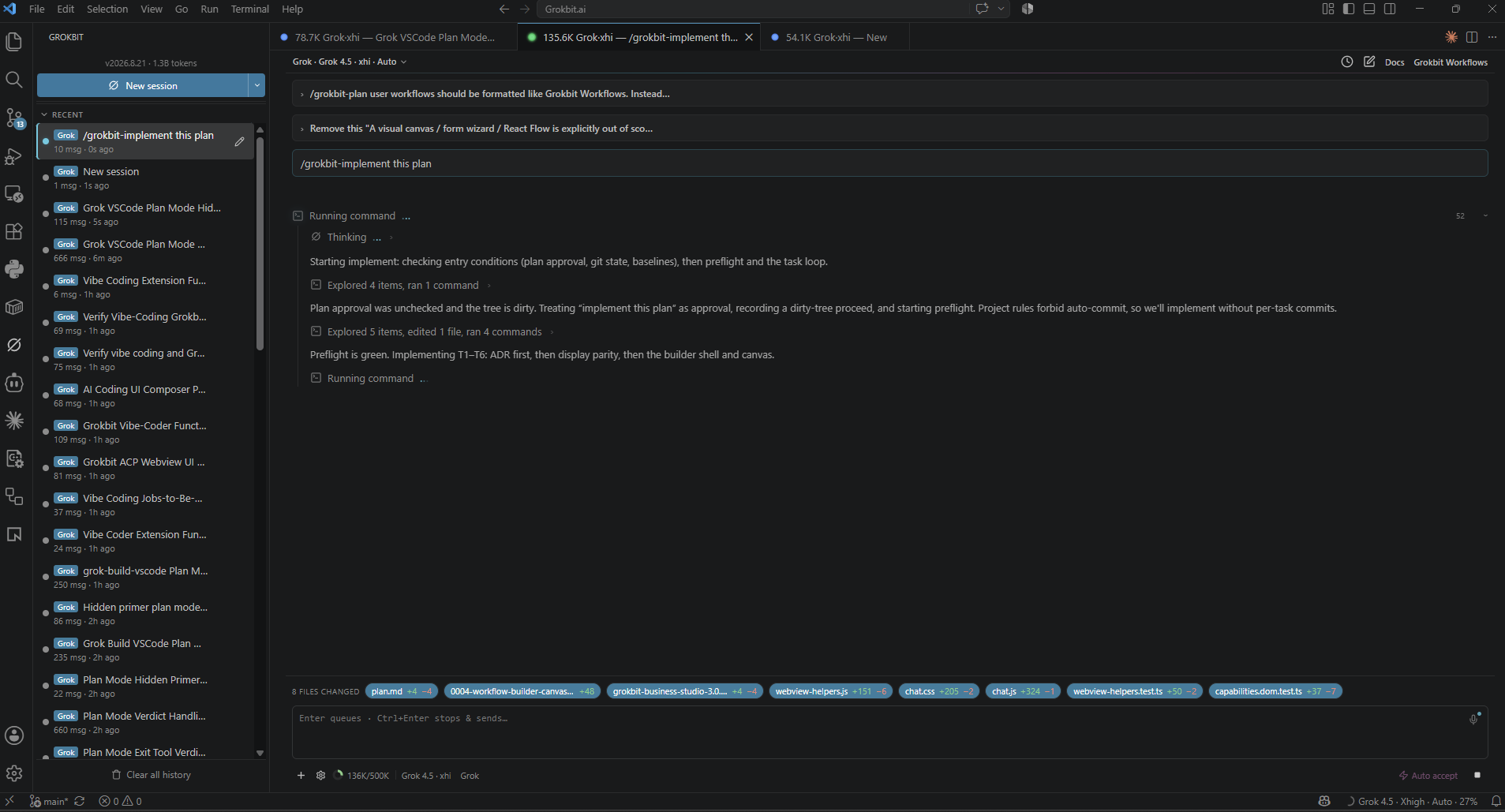
Every proposed edit renders as a green/red diff inside the permission card — allow this change, allow always (path/command scoped when known), or reject. Nothing lands on disk until you approve.
 GROKBIT
UNOFFICIAL · OPEN SOURCE · MIT
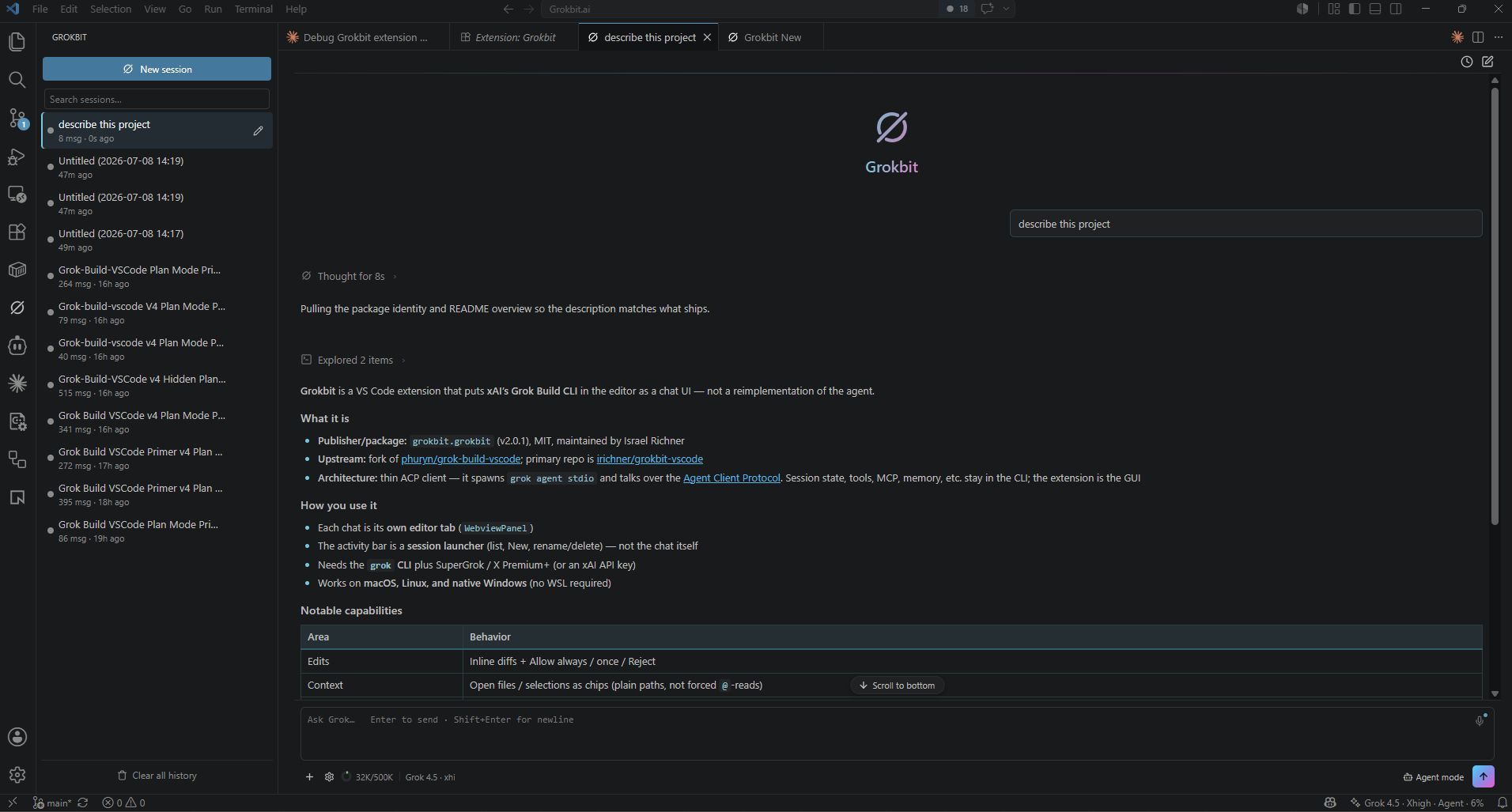
Grokbit is the VS Code cockpit for xAI's Grok Build CLI and optional Claude Code. Plan first, review every edit in an inline diff, run the built-in Grokbit Actions workflow (explore → plan → implement → test → document), keep parallel sessions on track, render images and video in chat, and dictate by voice. The CLI does the heavy lifting — this is mission control.
01 — MISSION
Terminals are great for launching agents. They're a terrible place to supervise one. When an AI is rewriting your code, you want a diff, not a wall of scrolling text — and you want it next to the code it's changing.
Grokbit straps a flight deck on top of Grok Build (default) and optional Claude Code: each session in its own editor tab, permission cards with the diff rendered inside them, Grokbit Actions for a grounded plan → implement → test loop, your open files as first-class context, and status dots that show which parallel session needs you. Rapid iteration, full telemetry, and an abort handle on every maneuver.
02 — FLIGHT SYSTEMS
Every proposed edit renders as a green/red diff inside the permission card — allow this change, allow always (path/command scoped when known), or reject. Nothing lands on disk until you approve.
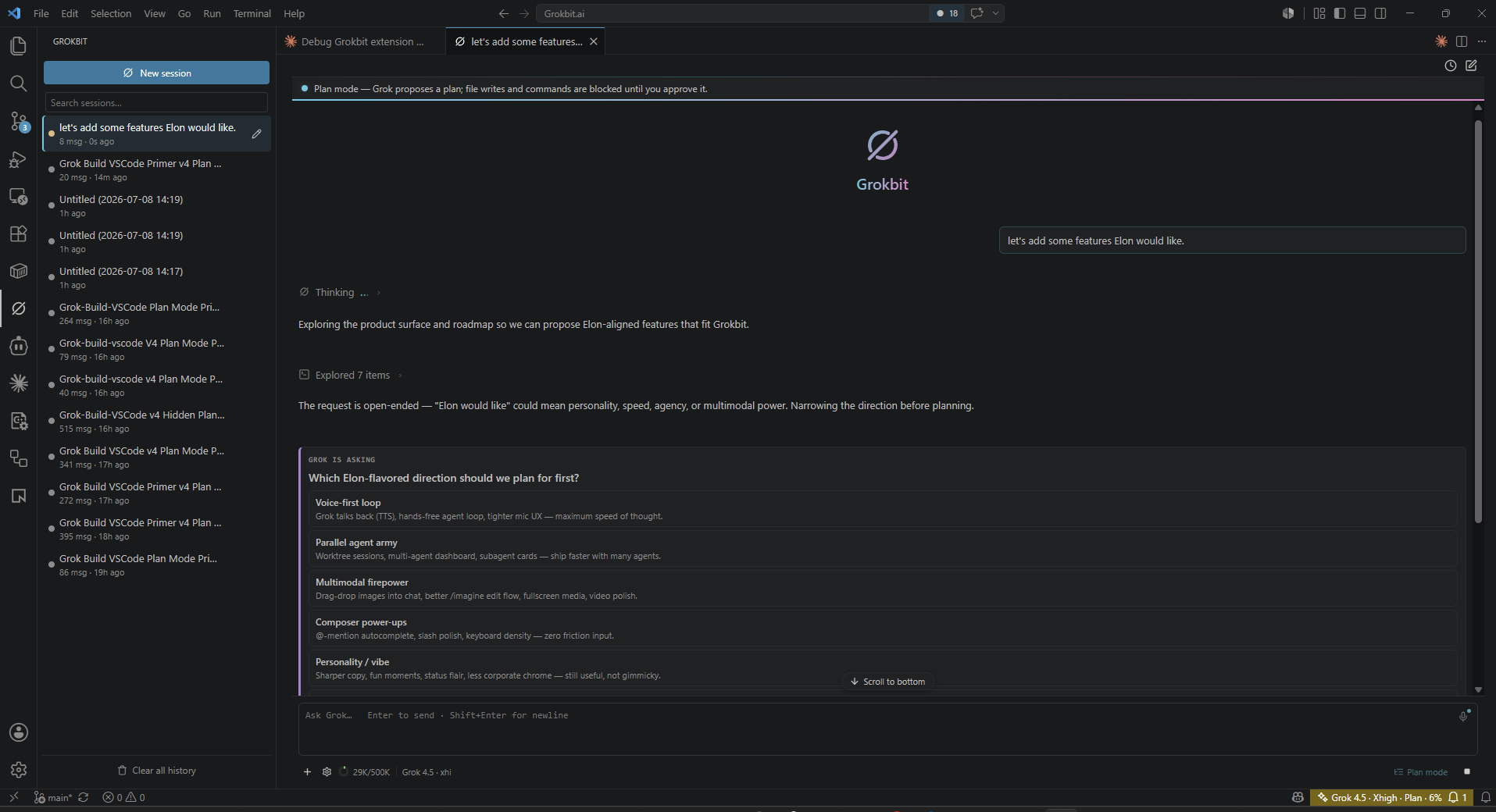
Draft a plan before anything changes. A client-side gate blocks workspace writes and non-read-only commands until you approve, reject, or comment on the plan card.
Grok Build is the default; switch a tab to optional Claude Code when you need it. Split New session, per-backend login and logout, history resumes on the right agent.
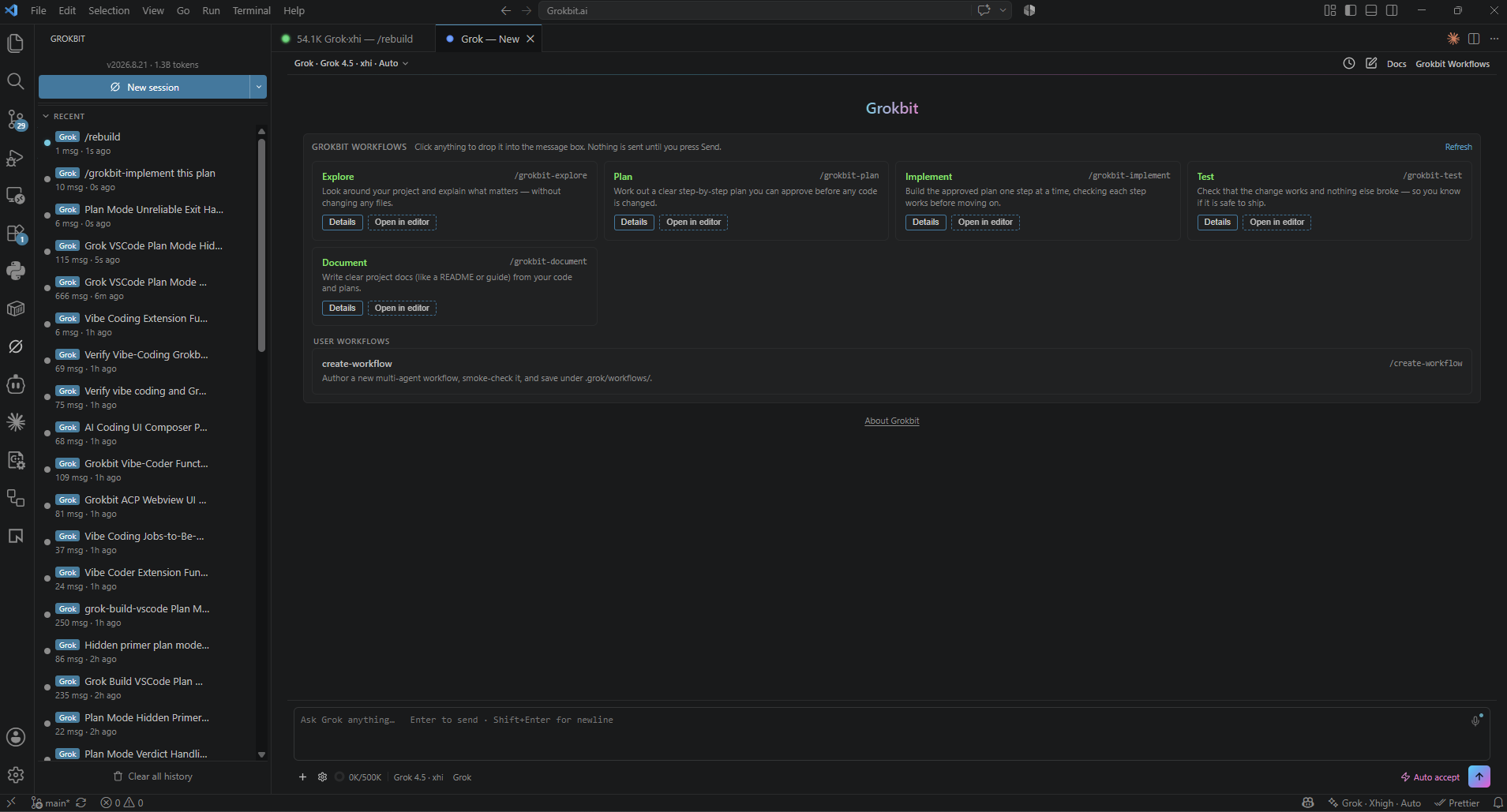
Bundled explore → plan → implement → test → document workflow on both backends. Click a tile to seed the composer — nothing sends until you press Enter. See the Actions section below.
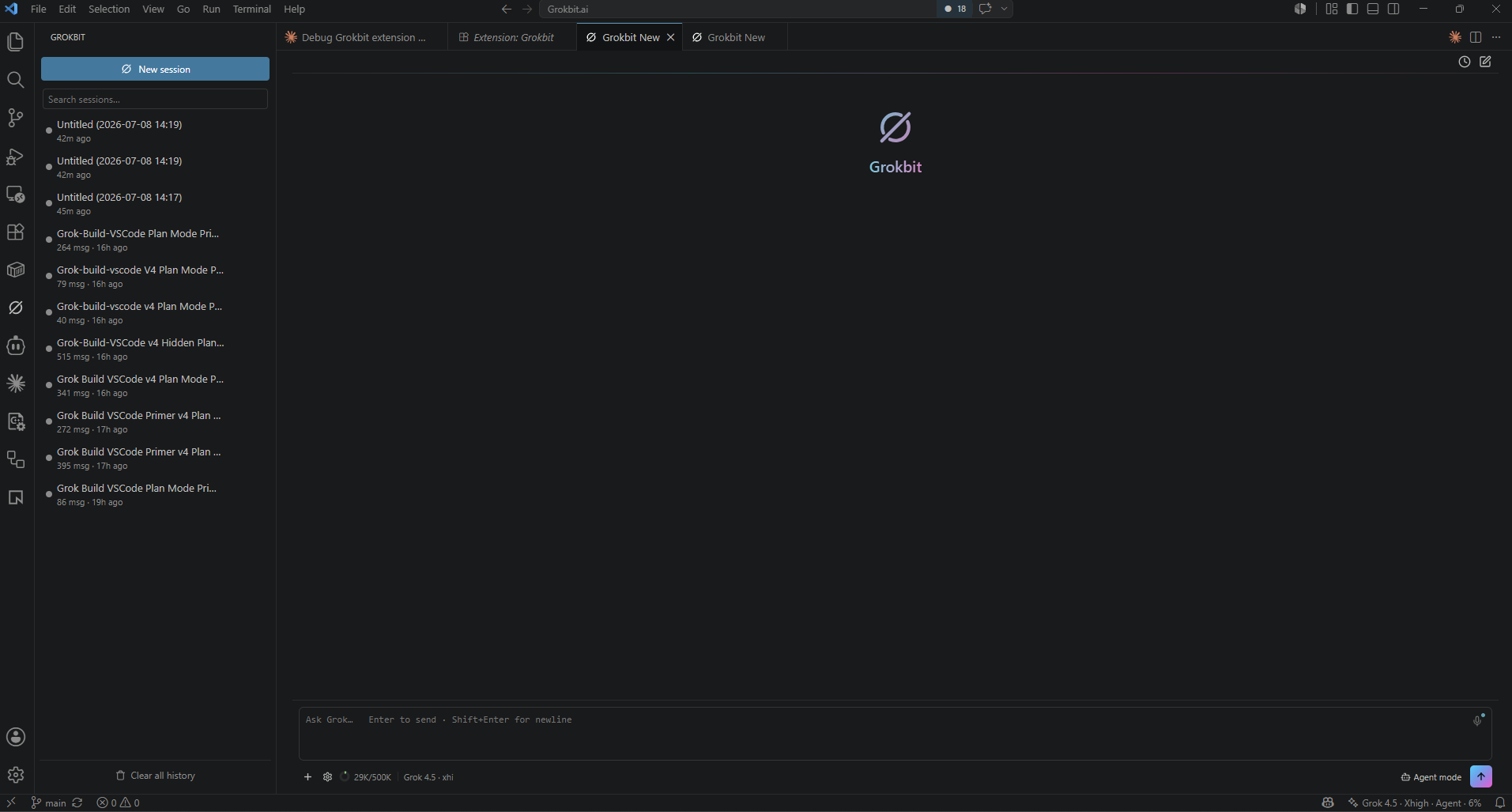
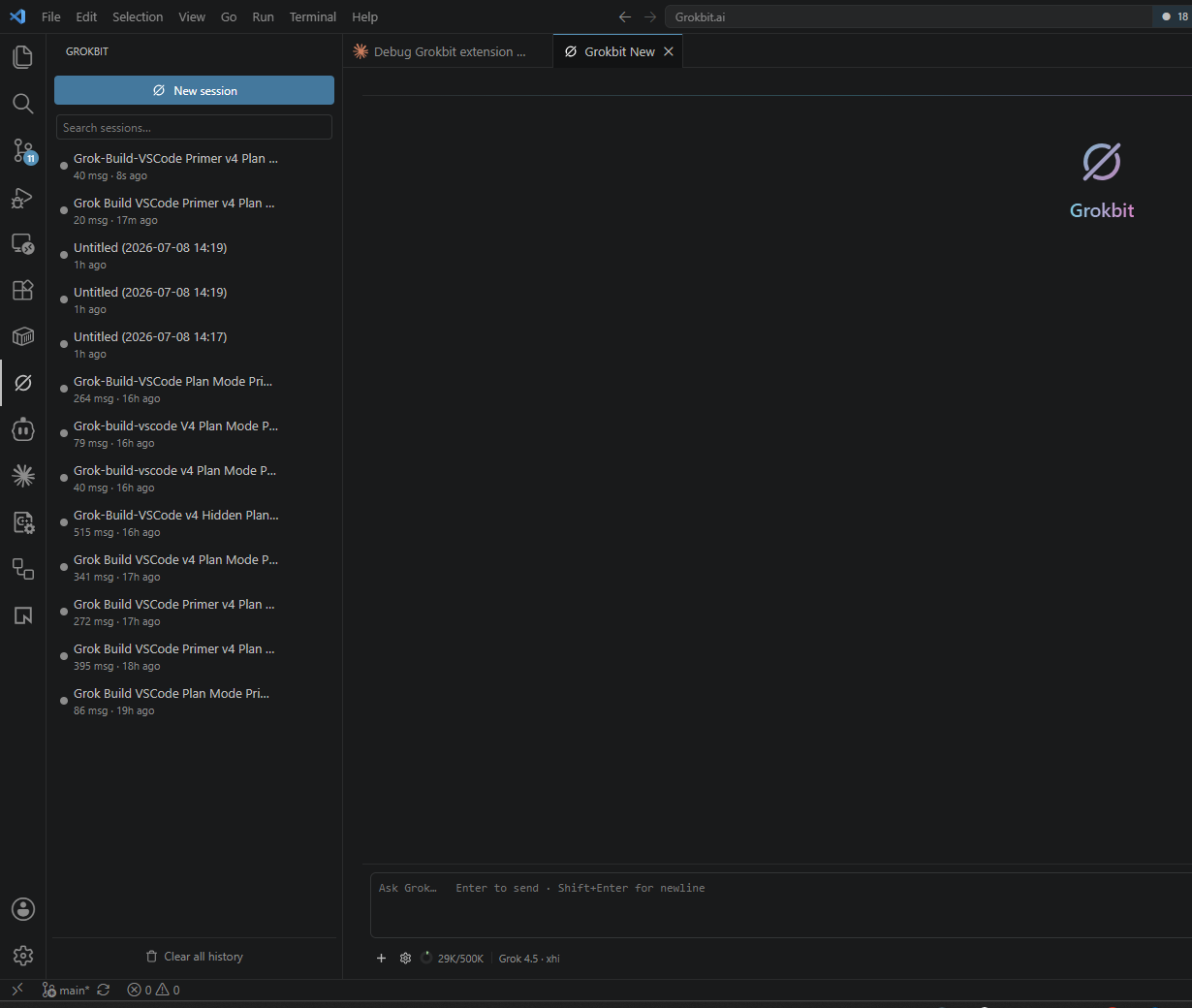
Each chat is a native editor tab. Activity-bar launcher with status dots, scrollable recent history, and tabs that restore after a VS Code reload.
Drag from Explorer, +, right-click Send File, or Alt+G. Optional active-editor context. Top-bar Docs browser to open, reveal, attach, or seed workspace documents.
While the agent works, tool calls and steps roll into one compact strip with a step counter — then collapse to a plain-language summary. Prefer the classic stream? Turn compact activity off.
Always-visible model · thinking · mode · context % · working spinner · “needs you” count. Status dots on the launcher; optional passive notifications when a hidden tab waits.
/imagine and /imagine-video render right in the chat — thumbnails you can open, videos with native playback. Survives session resume.
Mic in the composer → live speech-to-text. Say "grok send" (configurable) to submit hands-free. Optional; needs ffmpeg and a separate xAI API key for STT.
Resume, rename, delete, search. Merged Grok + Claude list with backend badges. Past edits keep view-diff after restore.
Markdown, offline LaTeX (MathJax), Mermaid diagrams, slash-command autocomplete, MCP tools via CLI config, and chat zoom from 60–300%.
03 — GROKBIT ACTIONS
A workflow that ships with the extension and works on both Grok and Claude. Open Grokbit Actions in a session, click a tile to seed the composer — nothing auto-sends. Skills install to your user skill folders so the CLIs can run them too.
/grokbit-explore
Map relevant code first — compact, cited orientation before you change anything.
/grokbit-plan
Grounded, reviewed plan — claims from the repo, tasks with proof commands, then your approval.
/grokbit-implement
One task at a time; each check passes or is reverted — no half-finished state left behind.
/grokbit-test
Baseline behavior before the change, then prove what did and didn’t change.
/grokbit-document
Write the doc, then run every command in it so the guide stays honest.
04 — FLIGHT MODES
Grok acts directly and raises a permission card when it judges a write or shell action sensitive. You stay in the loop where it matters.
SUPERVISED AUTONOMYRead-only until you approve. Grok drafts the full plan first and cannot write to your workspace or run anything outside a read-only allowlist.
MAXIMUM CONTROLEvery permission request auto-approved. No restart, just a flag flip — for when you trust the trajectory and want maximum velocity.
FULL SEND05 — LAUNCH SEQUENCE
curl -fsSL https://x.ai/cli/install.sh | bash
grok /loginirm https://x.ai/cli/install.ps1 | iex
grok /loginSign in with a SuperGrok or X Premium+ subscription — or set an XAI_API_KEY from console.x.ai.
code --install-extension grokbit.grokbitOr search Grokbit in the VS Code Marketplace / Open VSX. Works in VS Code, Cursor, Windsurf, and VSCodium.
Reload the window, click the blackhole icon in the activity bar (or Ctrl/Cmd+;), and type your first prompt. Main engine start. Optional Claude Code tabs need the claude CLI signed in plus the ACP adapter — onboarding can install the adapter for you.
06 — TELEMETRY
07 — FLIGHT LOG
Pulled live from the extension's changelog on GitHub — this is the same release history that ships with every build.
Loading flight log…
Free. Open source. Two commands from liftoff.